

Whether your email arrives is decided in DNS, before you send anything
Nearly every "our email goes to spam" problem is three DNS records that were never set up properly. The receiving server decides whether to trust you before it has read a word of your message.
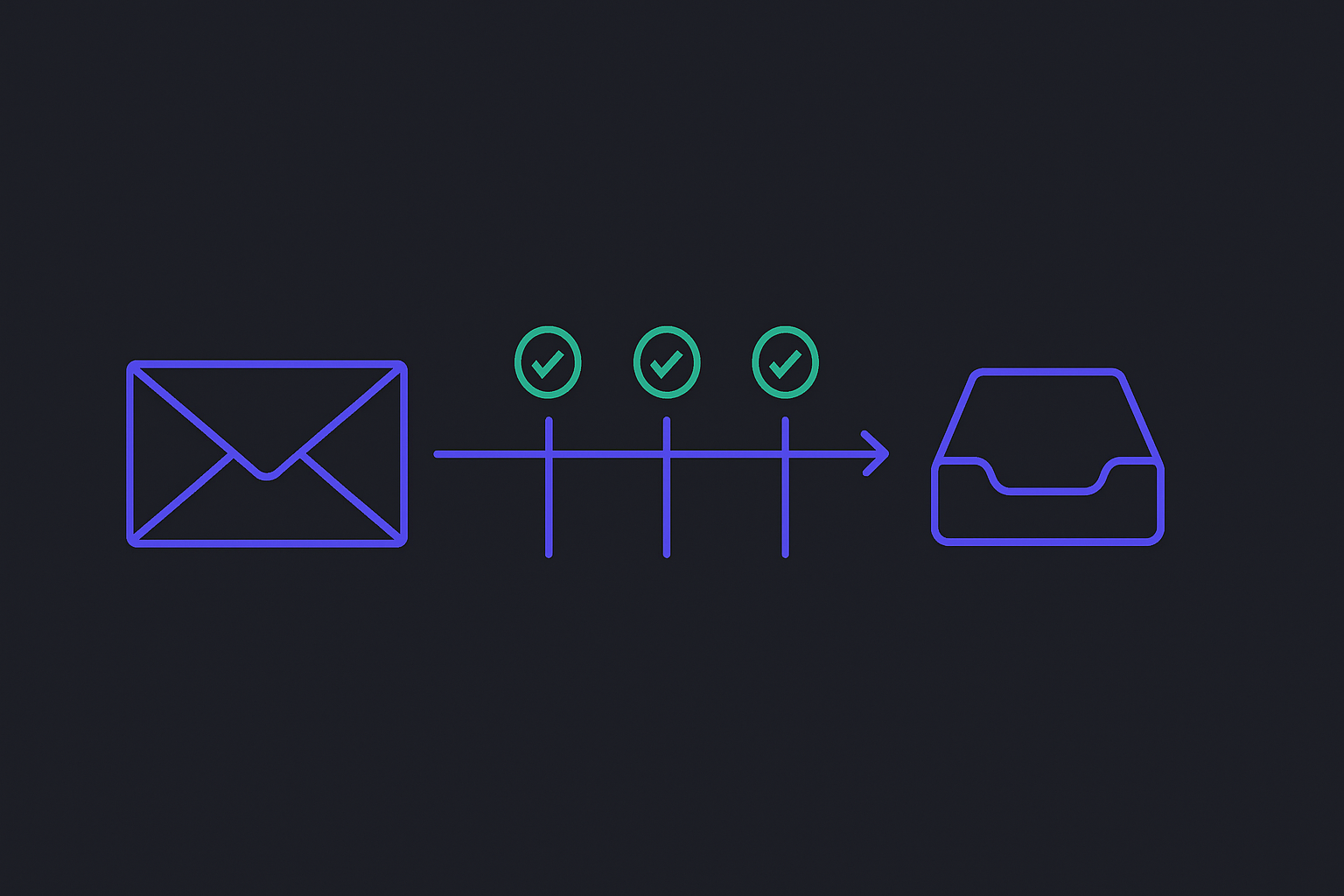
When email goes to spam, the instinct is to look at the email: the subject line, the words, an image that might be too large. Almost always, the problem was settled before any of that was read.
A receiving mail server makes a trust decision in the first moments of the connection, and it makes it by asking DNS about you. If the answers are missing or contradictory, nothing you write in the message will rescue it.
Three records, three different claims
They are routinely lumped together as "the email records". They prove different things, and understanding which is which is what makes them fixable.
SPF publishes the list of servers allowed to send mail for your domain. The receiver checks whether the connection came from one of them. It answers: is this machine permitted to send as you?
DKIM puts a cryptographic signature on the message itself, using a private key you hold, verifiable against a public key in your DNS. It answers: was this message genuinely produced by someone holding your key, and has it been altered since?
DMARC is the policy that binds them. It says what a receiver should do when SPF and DKIM disagree with each other or with the From address — and, crucially, where to send reports. It answers: what do you want done with mail that fails?
SPF alone is weak, because it authorises a server, not a message, and mail that is forwarded fails it routinely. DKIM alone is better but says nothing about what to do on failure. DMARC without the other two has nothing to act on. They are a set.
The order that works
Publish SPF first, and keep it honest. List every service that sends as you — your mail host, your invoicing system, your marketing tool, your CRM. The commonest failure is an SPF record that was accurate two years ago, before somebody added a newsletter tool.
Two traps worth knowing. SPF has a hard limit of ten DNS lookups; exceed it and the record is not "mostly working", it is permerror, which many receivers treat as a failure. And ~all (softfail) is a reasonable starting posture while -all (hardfail) is the destination — but neither matters until the list itself is correct.
Then DKIM. Your mail host generates a key pair and gives you a DNS record to publish. Sign everything. Rotate the key on a schedule: a signing key that never changes is the one that eventually leaks, and rotation is uneventful when practised and alarming when improvised.
Then DMARC, starting at p=none. This asks receivers to report without changing anything. It is a listening posture, and it is where most domains stop — which is the mistake. p=none provides no protection whatsoever; anyone can still send mail as you and receivers will deliver it. It exists so you can read the reports, find the legitimate sender you forgot, fix it, and move to p=quarantine and then p=reject.
A domain sitting on p=none for two years has the paperwork of email authentication and none of its benefit.
The parts people miss
Alignment. DMARC does not merely require SPF or DKIM to pass — it requires the domain they passed for to match the domain in the From header. A message can pass SPF cleanly for a third party's domain and still fail DMARC, because the address your reader sees was never authenticated. This is the single most common reason a domain "has all three records" and still fails.
The subdomains. A domain with no mail on it should say so. Publish an SPF record that authorises nothing and a DMARC policy that rejects, on every hostname that does not send. Unused subdomains are attractive precisely because nobody is watching them.
Encryption in transit. MTA-STS and DANE tell other servers to deliver to you over an encrypted connection rather than quietly falling back to plain text when TLS negotiation fails. Neither affects whether your mail is trusted, but both close a downgrade that the rest of this is pointless without.
New sending addresses. A brand-new IP with no reputation that starts at full volume looks exactly like a compromised one. Volume should build gradually.
How to check
Send a message to an account at a large provider and read the raw headers — every major webmail shows them. You are looking for three results: spf=pass, dkim=pass, dmarc=pass. Anything else, including a pass on a domain that is not yours, is the thing to fix.
Then read your DMARC reports. They are XML, they are ugly, and they will tell you about a sender you had forgotten within the first week.
None of this is difficult. It is just invisible, which is why it stays broken — the failure mode is not an error message but an absence, and an absence is very hard to notice.