

Turning DNSSEC off is the dangerous direction
Switching DNSSEC off feels like the safe, cautious move. Done in the obvious order, it takes the whole domain down for everyone whose resolver checks signatures.

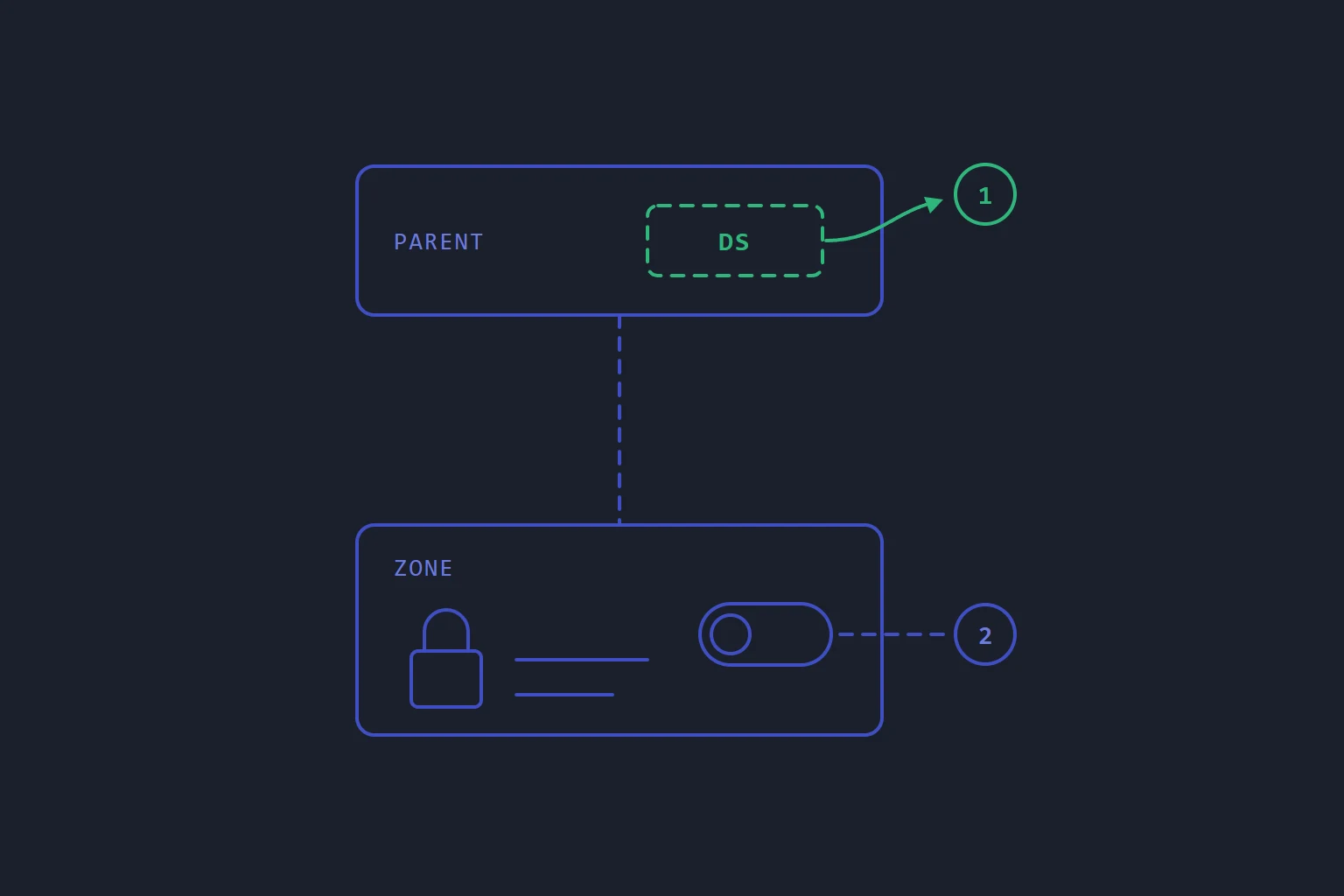
We wrote before about publishing a DS record before the zone is signed: the domain stops resolving for everyone whose resolver checks signatures. The same failure waits in the other direction, and it is more likely there, because when you switch DNSSEC off the dangerous action is the obvious one.
Why off is riskier than on
DNSSEC has two halves. Your DNS host signs the zone. The parent zone, through your registrar, publishes a DS record that tells every validating resolver: answers for this domain are signed, with this key, and anything unsigned is forged.
When you switch DNSSEC on, doing nothing is safe. A signed zone with no DS above it is simply not validated. The dangerous step, publishing the DS, is a separate act at the registrar that you take later, on purpose.
When you switch DNSSEC off, the order is reversed and so is the default. The obvious move is to press the switch where you manage your DNS. Signing stops. The DS at the parent does not, because it lives in a different system, often at a different company, and nothing about your DNS host's switch reaches it. From that moment every validating resolver gets unsigned answers for a domain the parent says is signed, and treats them as an attack. The site does not load, and mail servers that validate cannot find where to deliver your mail.
Removing the DS then does not fix it at once. Resolvers have the DS cached for as long as the parent's TTL on it says, and the parent sets that TTL, not you.
The same thing happens when DNSSEC is not switched off at all but the domain's DNS is moved to a provider that does not sign it, or signs it with different keys. The DS still describes the old keys. If you are moving DNS away from a signed zone, the DS comes out first there too.
The safe order
- Remove the DS record at your registrar.
- Check the parent has stopped publishing it. Ask one of the parent zone's own nameservers, not your local resolver:
dig +norec DS example.com @<a nameserver for the parent zone>should come back with no DS. - Wait for the DS's TTL to pass, so resolvers that cached it have let it go.
- Only then stop signing.
It is the same rule as switching on, seen from the other side: never let a DS exist without signatures behind it.
How our panel holds the line
On our DNS the order is enforced rather than described. When you click Disable DNSSEC, the control panel looks up the DS record currently published for your domain. If there is one, it refuses and names the key tag, because switching off under a published DS takes the whole domain offline. If it cannot ask the question at all, it refuses too: not knowing is treated differently from "no DS".
There is a tick box for the case where you have just removed the DS and the check has not caught up yet: I have removed the DS at the registrar; switch off even if the parent still shows it. It is an override, and it says what it is overriding.
Switching off also withdraws the DANE records we publish for your mail server's certificate while the zone is signed. A DANE record is only worth trusting under a signed zone, so it goes when the signatures do.
Where the domain is registered with lbreeze, the DS lives in your client area, on the domain's DNSSEC tab, where you added it. The full steps for both directions are in Turn on DNSSEC.
Rotating keys without switching anything off
Sometimes the reason for switching DNSSEC off is really a wish to replace the keys. You do not need to. A signed zone has two kinds of key, and they rotate differently.
The zone signing key (ZSK) signs your records. The DS does not refer to it, so replacing it involves nobody but your DNS host. On our panel, Rotate ZSK (one step) does it in three clicks: publish the new key, switch signing to it, retire the old one. The zone stays valid at every point, and nothing changes at the registrar.
The key signing key (KSK) is the one the DS points at, so rotating it is a handover between two systems. Rotate KSK publishes a second KSK alongside the first, both signing, so the zone validates through either DS. The card then shows a pending DS record. You replace the DS at the registrar with it, wait for it to be published, and then confirm on the card, which retires the old key.
That last confirmation is yours. Check the parent before you press it, with the same dig as above, and look for the new key tag. Retire the old KSK while resolvers still hold the old DS, and you have built the outage from the top of this post by a different route.
The short version
- Off means DS first. Remove it at the registrar, confirm the parent no longer serves it, wait out its TTL, then stop signing.
- Moving DNS counts as switching off if the new provider does not sign with the same keys.
- To change keys, rotate them. The ZSK never involves the registrar; the KSK needs the new DS in place before the old key goes.
- Check the parent, not your resolver. Your resolver's cache is the thing you are waiting for, so it cannot tell you when the wait is over.
- dns
- dnssec
- operations
Read next
- DNSPublishing a DS record before the zone is signed takes the whole domain down
DNSSEC fails closed. Get the order wrong and the domain does not degrade or slow down — it stops resolving entirely, for everyone using a validating resolver, and you cannot take it back quickly.
- DNSLower the TTL the day before the move, not on the day
A DNS change reaches the nameservers instantly. What you actually wait for is the old record expiring from other people's caches — and by the time you are cutting over, it is too late to shorten that wait.
- DNSYour domain's transfer code is a password
The auth code that moves a domain between registrars is a credential, not a reference number. Keep it out of links and chats, and get the DNS ready before you use it.
- SoftwareWhy a hosting control panel should never log in to your servers
A panel that reaches into servers to change them is a single key to every machine, and it only knows what it did, not what is there. Turn the arrow round.