

Your domain's transfer code is a password
The auth code that moves a domain between registrars is a credential, not a reference number. Keep it out of links and chats, and get the DNS ready before you use it.

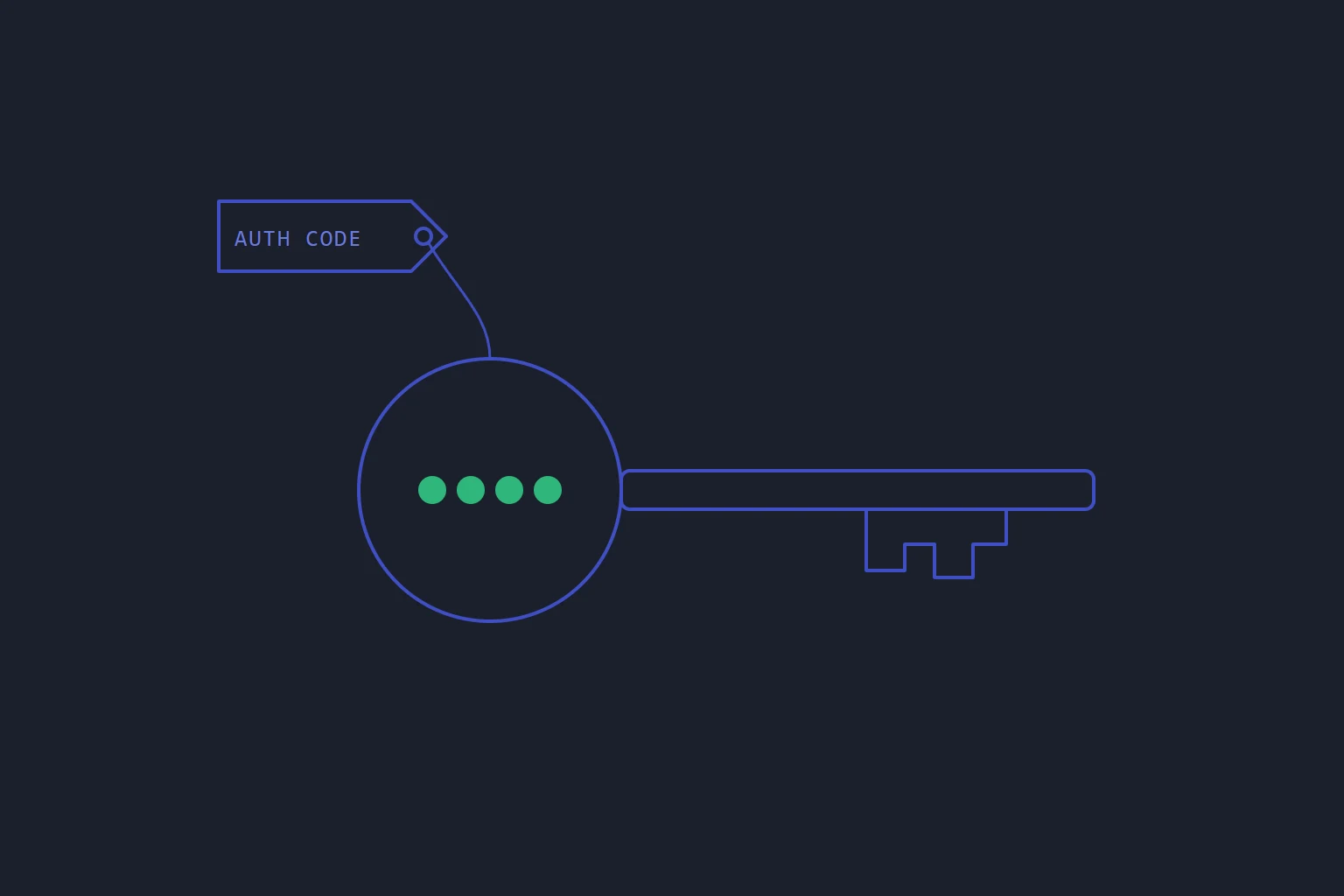
When you move a domain from one registrar to another, the old one gives you a short string called the auth code. You will also see it called the EPP code or the transfer secret. It looks like an order reference, and it gets handled like one: pasted into chats, forwarded in emails, typed into whatever form asks for it.
It is not a reference. It is the credential that authorises your domain to leave, and with the domain go your website, your email and every login that resets through that email.
What the code actually does
A domain's registration lives at the registry for its ending, and for most endings the registry holds an auth code for each domain. When a new registrar asks to take the domain over, it has to present that code. A request with the right code can go ahead; one without it cannot.
That is the whole check. The registry does not know who is presenting the code or why. Depending on the registrar, an email may also go to the domain's contact address asking for approval, but that is not something to rely on as your only safeguard, least of all if that contact address is itself on the domain being moved.
Our own client area puts it plainly next to the code: treat it like a password, because anyone with it can start a transfer of your domain.
The lock is the other half
The transfer lock is a separate control. While it is on, transfers are refused whatever code is presented. To move a domain you switch the lock off at your current registrar and ask for the code, and the two together are what make a transfer possible.
So the safe resting state is lock on, code unknown to anyone but you. The lock is the bolt on the door and the code is the key; a domain with the lock off and the code sitting in an old support thread has neither.
In the lbreeze client area, the Overview tab on each domain shows whether the transfer lock is on, next to the registration and expiry dates. Glance at it from time to time. A domain that was unlocked for a move that never happened is worth noticing.
Where the code leaks
Nobody leaks an auth code deliberately. It leaks because it does not feel secret.
- Support chats and tickets. "Here is the code, can you do the transfer for me?" puts it in a system that keeps history, is read by several people and may be exported.
- Email. Forwarded once, it lives in at least two mailboxes for as long as either is kept.
- Links. This is the one people do not think about. Anything in the query string of a URL, the part after
?, is sent to the server, written to its access log and can travel onward to other sites in theRefererheader. A link of the form...?auth=XXXXcopies the code into places nobody will ever clean up.
The part of a URL after #, the fragment, is different: browsers keep it and never send it to the server. That is how lbreeze passes the code when you start a transfer on our transfer page and are taken to your client area to check out. The code travels in the fragment, so it never reaches a server log on the way. If it does not survive the sign-in on the way through, the client area asks you to type it again.
For your own handling the rule is shorter. Paste the code into exactly one place, the new registrar's transfer form, and nowhere else. To give it to someone helping you, give it by a route you would use for a password. Moving a domain away from lbreeze, you get it from the Auth code tab on the domain: it is shown only when you click Reveal, and Copy puts it straight onto your clipboard.
Set up DNS before you start
A transfer moves the registration. It can also move your nameservers, and that is how a routine transfer takes a website offline.
Some registrars send the transfer with their own nameservers attached, so when the domain arrives it is pointed at them. We do the same: when lbreeze takes a transfer in, it is sent with our nameservers whenever those are configured, so the domain can switch to them partway through. If no zone with your records is waiting there, your site and email stop answering until one is.
The fix is ordinary preparation, done first:
- Find out which nameservers the transfer will set. Ask the new registrar if it is not obvious. Assume they may change.
- Have the zone ready there before you start. If your hosting is with us, the zone for your website already exists. Copy in any records you still need from the old provider, such as those for an existing mail service: ask the old provider for a zone file and paste it into Import records on the zone page.
- Lower the TTL a day ahead. Resolvers remember old answers for as long as the TTL says, so a lower TTL shortens any window where some visitors still see the old setup. Lower the TTL before moving a domain explains the timing.
- Then unlock, get the code, and start the transfer.
- Check afterwards. On the zone page, Check delegation shows which nameservers are answering for your domain and which ones we expect.
None of this is specific to us. Whoever the new registrar is, the domain's DNS has to be answering from wherever the transfer leaves it pointing.
The short version
- The auth code authorises the move of your domain. Treat it like a password.
- Keep the transfer lock on except while a move is under way, and check that it went back on.
- Never put the code in a chat, a ticket, an email thread or the query string of a link.
- Set up DNS where the transfer will point the domain before you start, not after the site goes quiet.
The step-by-step for both directions is in Register a domain with lbreeze, and moving the DNS itself is in Point your domain at lbreeze.
- domains
- transfer
- security
- dns
Read next
- DNSTurning DNSSEC off is the dangerous direction
Switching DNSSEC off feels like the safe, cautious move. Done in the obvious order, it takes the whole domain down for everyone whose resolver checks signatures.
- DNSLower the TTL the day before the move, not on the day
A DNS change reaches the nameservers instantly. What you actually wait for is the old record expiring from other people's caches — and by the time you are cutting over, it is too late to shorten that wait.
- DNSPublishing a DS record before the zone is signed takes the whole domain down
DNSSEC fails closed. Get the order wrong and the domain does not degrade or slow down — it stops resolving entirely, for everyone using a validating resolver, and you cannot take it back quickly.
- SoftwareWhy a hosting control panel should never log in to your servers
A panel that reaches into servers to change them is a single key to every machine, and it only knows what it did, not what is there. Turn the arrow round.